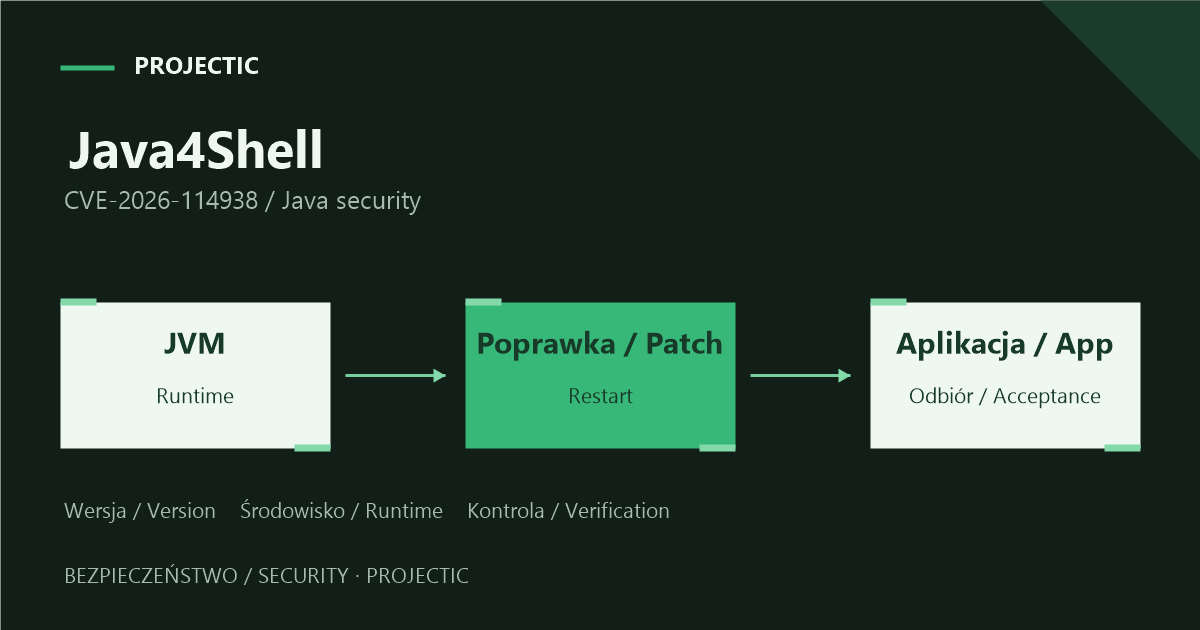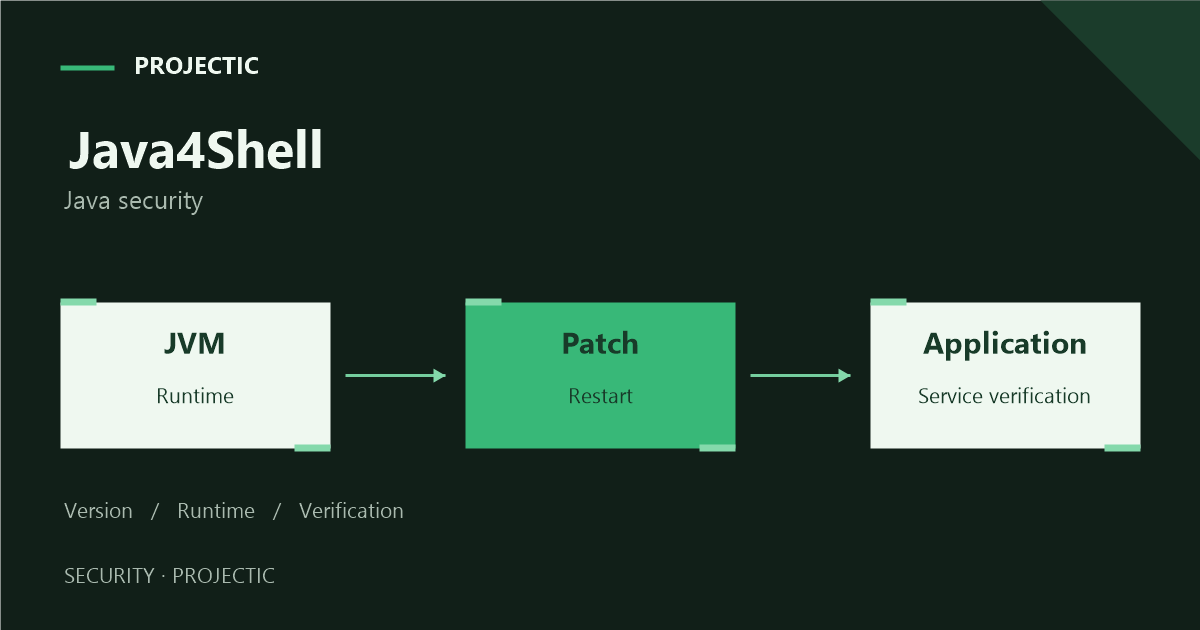
Java4Shell, CVE-2026-114938, calls for checking the Java runtime actually serving an application. Do not confuse this November vulnerability with Log4Shell or assume that every older Java application is exposed in the same way.
Sources checked on 19 November 2026. Oracle and OpenJDK announced fixes on 17 November; individual distributors provide packages on their own schedules.
What does Java4Shell affect?
The issue concerns optimised Base64 decoding. Under specific conditions, memory corruption can crash an application and, in some cases, permit unauthenticated code execution. CERT-EU describes the exposure requirements: an x86-64 processor with the required AVX-512 and BMI2 features, the optimisation enabled and attacker-controlled data reaching the decoder. ARM64 is not affected by this attack path.
The presence of a form or token alone does not settle exposure. Establish the runtime and how input is processed. This article does not provide exploitation instructions.
The processor model matters
Two services using similar Java builds may have different exposure because of processor features and active JVM optimisations. Moving an application to another host also warrants verification. A share of older Java versions cannot automatically be reported as the percentage of servers vulnerable to Java4Shell.
Check the supplier and full build
Selected Oracle Java SE, OpenJDK and derivative releases are involved. A specific Java 8 performance build is also relevant; its status must not be generalised to every Java 8 installation. For Oracle, consult the November security notice. Other packages require their own supplier’s guidance.
An application may bundle a private runtime or include one in its container image. Updating the operating system package does not automatically replace that copy. Running java -version in a terminal may describe a different Java from the process started by a service.
An update plan based on evidence
- Map each service to its actual runtime path, supplier and complete build number.
- Check the architecture and conditions in the advisory.
- Identify the patched package and application compatibility.
- Prepare a recoverable backup and test on a representative environment.
- Deploy the fix and restart the relevant JVMs in an agreed maintenance window.
- Verify application health, authentication, integrations and background tasks.
Temporary mitigation needs acceptance too
CERT-EU describes disabling the affected optimisation when immediate updating is not possible. The setting depends on the JVM, requires restarting and may affect performance. Check the supplier’s instructions, effective process arguments and application tests. Do not copy flags across architectures and products without validation.
Temporary mitigation and full patching should have separate report statuses. An absence of crashes after a change does not prove remediation, while a vulnerable build does not establish a previous compromise.
What should the service owner receive?
The result should identify assessed services, full builds before and after, confirmed restarts and functional tests. If a component is bundled by an application supplier, explicitly record any dependency on its updated release rather than reporting the entire server as fixed.
Support with Java application infrastructure
Our Linux server administration service can help inventory runtimes, plan updates and verify services. Work starts with scope and dependencies, without assuming that one package change fixes every application.