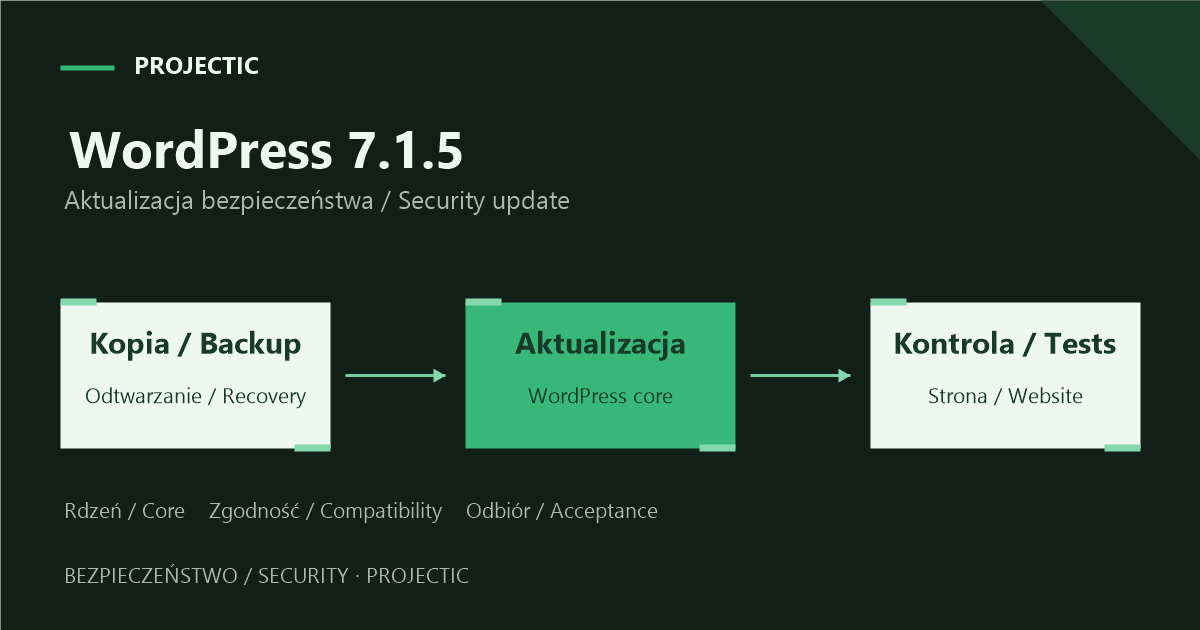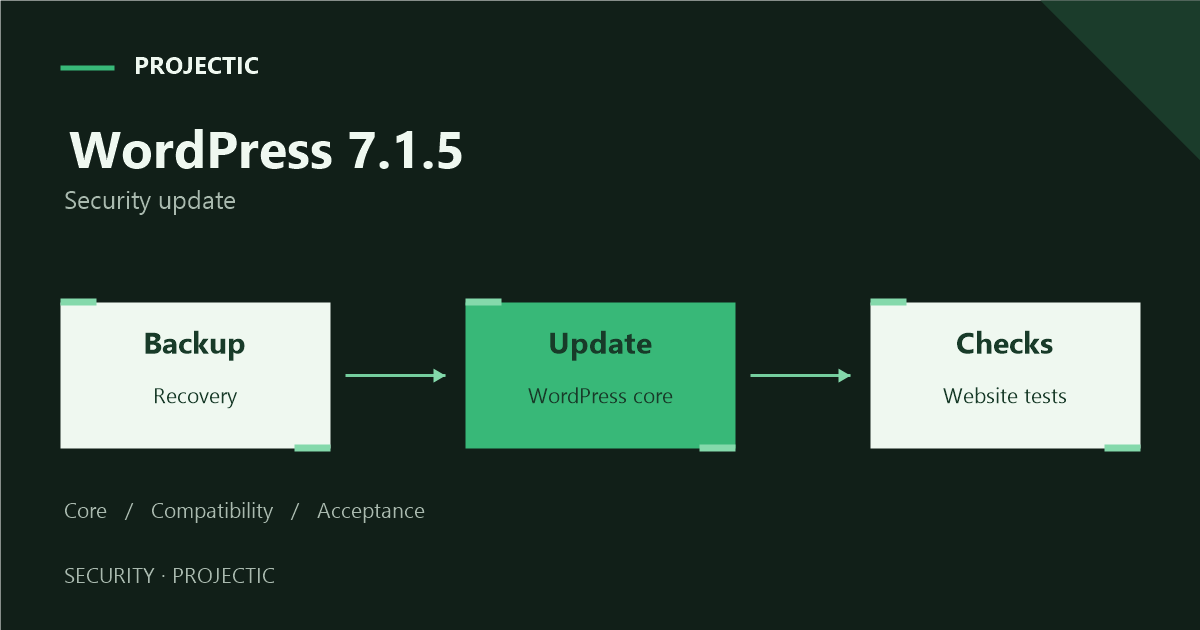
WordPress 7.1.5 is a security release published on 18 November 2026. The project recommends updating websites. It contains multiple core fixes, so the entire release should not be described as one vulnerability or assigned an unverified CVE number.
Sources checked on 19 November 2026. Before working on a website, also review newer notices and the release appropriate for that installation.
What does the release address?
The official WordPress announcement lists XSS, SQL injection, information disclosure and privilege issues, among others. Some require particular roles or features; others involve unauthenticated access. The relevance depends on a website’s configuration. This does not mean that every installation was attacked.
Neither a blanket claim that WordPress is secure nor the opposite replaces assessment. Establish the core version, available fixes and working functions. See the 7.1.5 release documentation for additional context.
Almost 30% of websites still use WordPress 6 or older
W3Techs on 19 November 2026 reports WordPress 7 on 70.2% of WordPress websites, leaving 29.8% on earlier major versions. These are websites, not unique servers. It does not follow that all 29.8% lack security fixes: the project also backports some fixes to older branches. This chart does not distinguish every patch release, so it cannot establish how many installations remain exposed to the specific issues in the announcement.
Before you update
Check recoverable file and database backups, disk space and administrative access. Identify custom modules, integrations and modified plugins. Do not overwrite them with an unrelated upstream package just because its name looks similar.
Update a representative test environment and check functions that depend on the core. A very old clone does not provide reliable compatibility evidence for current production. The official WordPress upgrade guide is a useful reference.
Deploying the fix on a live website
Use the supported WordPress updater or the website’s agreed deployment process. Do not copy a complete test database onto production merely to update the core. Agree on a maintenance window and a rollback for a failed change.
Automatic updates help, but enabling them is not proof of completion. Read the version afterwards and check whether a database update is required. Record core, plugin and theme states separately.
What should acceptance cover?
- Anonymous access to the homepage and important pages on mobile and desktop.
- A fresh login and important administrative operations.
- Forms and integrations in a controlled mode without creating fake leads.
- Search, media and scheduled tasks relevant to the website.
- New error logs and compatibility of custom modules.
- The confirmed version, limitations and outstanding work.
If an update breaks the dashboard, a contact form or an important site feature, describe what stopped working. See how we diagnose and repair WordPress after an update.
What does a core update not cover?
It does not replace PHP, plugin or server updates. It also does not automatically remove the consequences of a previous compromise. Unexpected accounts, changed files or unknown redirects require separate incident analysis and evidence preservation.
The owner should receive a concrete result: what changed, which functions were tested and what remains. An HTTP 200 response alone is not complete acceptance.
Ongoing WordPress maintenance
For regular updates, testing and functional checks, see ongoing website and store maintenance. If the problem also involves PHP or system services, the scope can include Linux server administration.